
What is real estate software development?
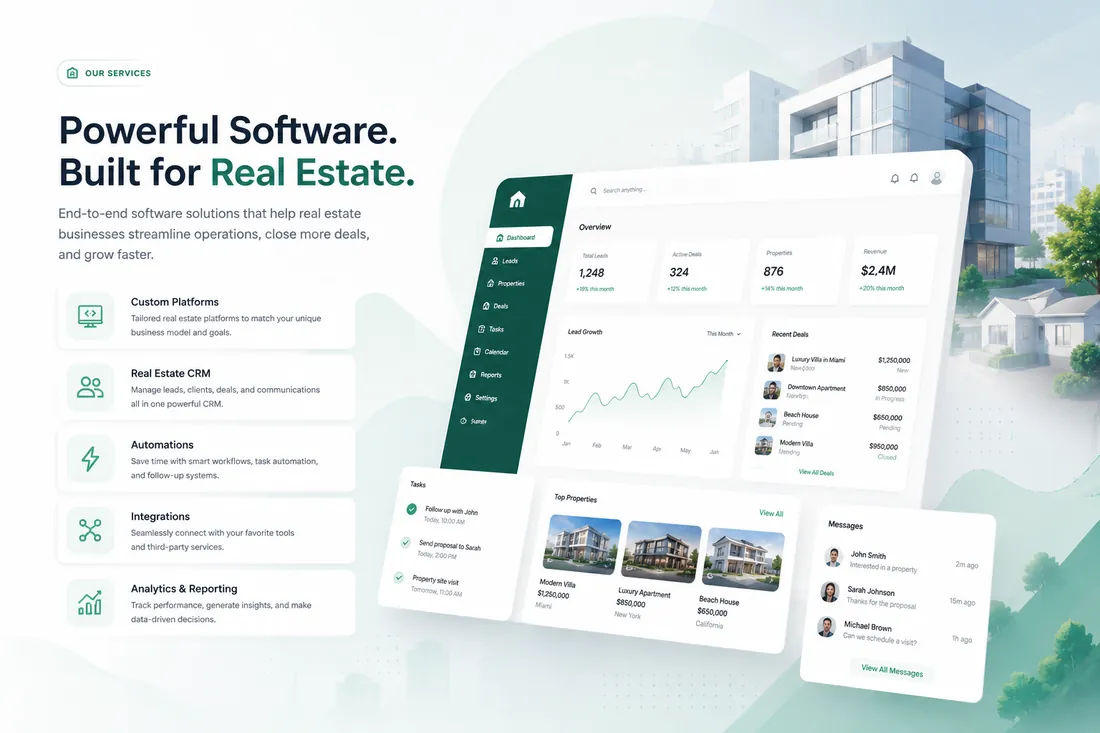
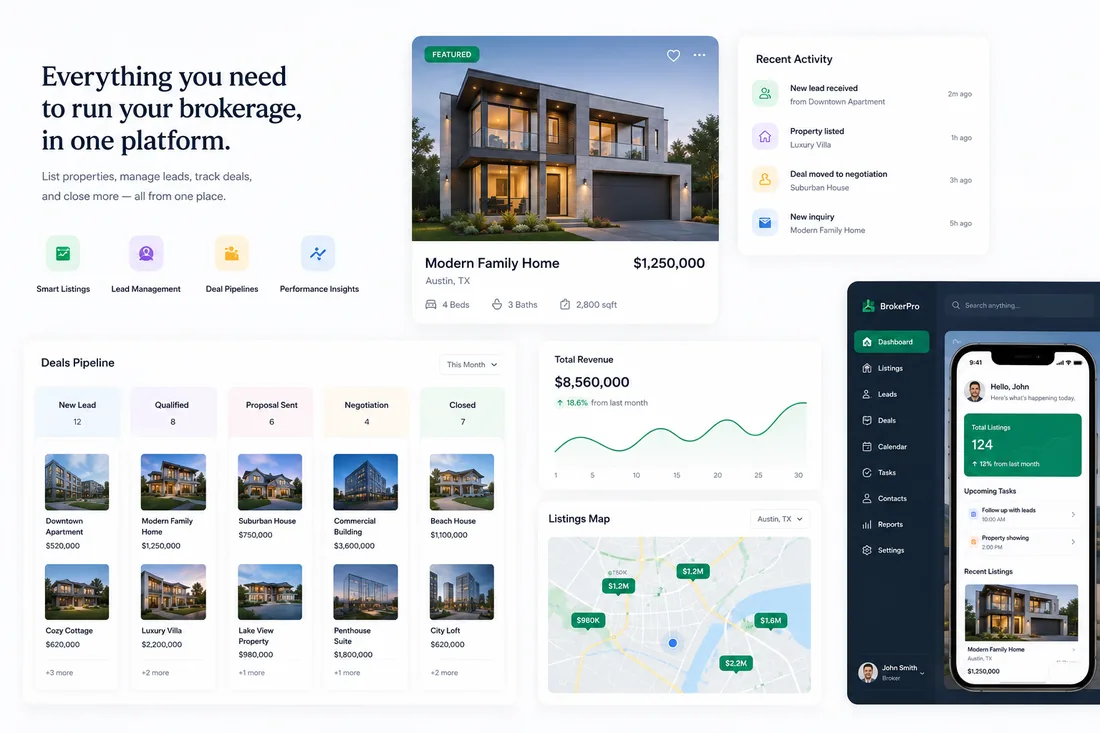
Real estate software development is the design and building of digital products for the real estate industry: websites, listing platforms, CRMs, automation, dashboards, AI features, and mobile apps. Unlike generic software, it has to handle real estate specifics such as MLS listing data, property search, lead routing between agents, and the way a deal moves from first inquiry to closing.
Softvix Solution is a real estate software development company that builds these systems for agents, brokerages, commercial firms, property managers, developers, and PropTech companies. This guide explains how the process works, whoever you choose to build with.
Types of real estate software
Most real estate businesses need a combination of the following. Each can be built on its own or as part of one connected system.
- Real estate websites: branded websites with property search, agent pages, and lead capture for agents, brokerages, and commercial firms.
- Listing platforms and marketplaces: portals where buyers, sellers, and brokers search, list, and connect, with MLS data or your own listings.
- Real estate CRM: one place for contacts, leads, and deals, built around your pipeline or integrated with the CRM you already use.
- Workflow automation: lead routing, follow-up reminders, and handoffs that run on their own so fewer leads go cold.
- Admin dashboards: reporting and control panels that bring listings, leads, deals, and team activity into one view.
- Lead generation websites: sites and landing pages built to rank locally and turn visitors into inquiries.
- Real estate SEO: technical SEO, local SEO, and content that help your website get found.
- Mobile apps: iOS and Android apps for agents on the move and branded property search for clients.
- AI-powered solutions: natural-language search, assistants, and lead scoring added where they save real time.
- Digital and social media marketing: paid search, social media, email, and content that bring people to your website and listings.
Key features to plan for
Whatever you build, these are the features real estate teams most often need. Deciding early which ones matter to you keeps the scope and budget realistic.
- Property search with map view, filters, and saved searches
- Listing data from an MLS feed or listings your team manages
- Lead capture forms that send every inquiry to your CRM
- Lead routing and follow-up automation
- User roles and permissions for agents, admins, and clients
- Reporting on leads, listings, and deals
- Fast, mobile-friendly pages
- SEO foundations: clean URLs, schema markup, and speed
- Security, backups, and access control
The real estate software development process
A well-run project moves through clear stages, with something concrete you can review at each one.
- Discovery. Goals, users, current tools, and must-have features are agreed and written down.
- Design. Wireframes and brand-driven designs are reviewed and approved before development starts.
- Development. The software is built in phases, starting with the features that matter most.
- Integrations. Listing data, your CRM, email, and other tools are connected and tested.
- Testing. Everything is checked on phones, tablets, and desktops, including forms, search, and speed.
- Launch and support. Go-live, monitoring, and ongoing improvements after launch.
Custom vs. off-the-shelf real estate software
Off-the-shelf tools are quick to start and work well for standard needs. Custom software fits your workflow exactly, connects the tools you choose, and belongs to you. Many businesses combine both. Our custom vs. off-the-shelf comparison guide sets out the trade-offs side by side.
How much does real estate software cost?
There is no single price. Cost depends on scope, the number of user roles, integrations such as MLS data or a CRM, custom design, and support after launch. Starting with a focused first version and adding features in phases is the most common way to control budget. See our real estate software development cost guide for the factors behind each project type.
How to choose a development partner
The team you choose matters as much as the features. Look for real estate experience, relevant work, integration skills, a clear process, and written terms that give you ownership of the code and data.
Our guide on how to choose a real estate software development company covers eight criteria, the questions to ask, and red flags to avoid.
Real estate software terms to know
MLS, RESO Web API, lead routing, speed to lead, PropTech: planning software comes with its own vocabulary. The real estate software glossary explains the most common terms in plain English.
Examples of real estate software
From luxury real estate websites and listing detail pages to CRM pipelines, client portals, and agent apps, you can browse the kinds of software we design in our real estate software projects.
Planning a real estate software project?
Tell us what you want to build and we’ll recommend a practical first step, scope, and timeline.