

01
Admin dashboards
Custom admin panels for listings, users, leads, and operations with role-based access.
Admin Dashboards and Integrations
We build admin dashboards that show your whole business in one place, and connect the systems behind them: listings, CRM, phone, marketing, and accounting, so the numbers are always current.
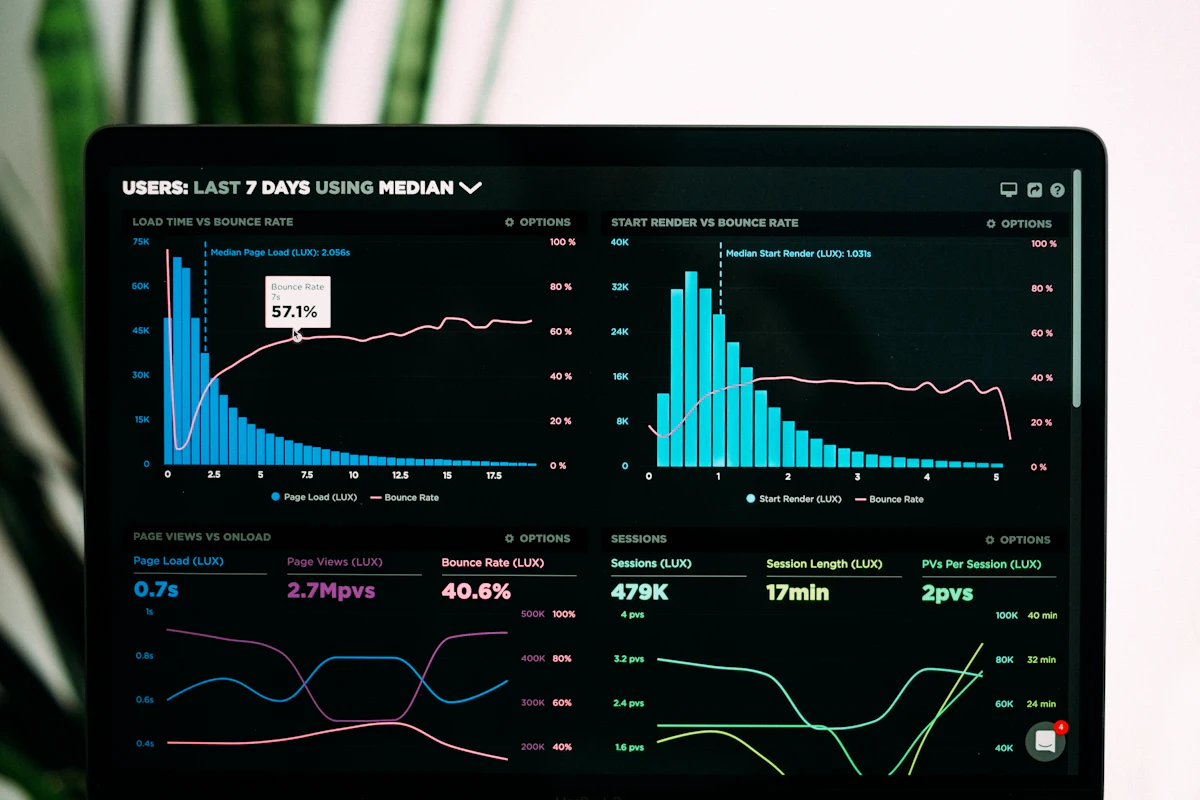
Overview
When data lives in six tools, nobody trusts the numbers and reports take days to build.
We connect your listing data, CRM, lead sources, phone system, and accounting into one clean data layer, then build admin dashboards that answer the questions owners and managers ask every week. Dashboards bring together everything we build as part of our custom real estate software work.
Who It’s For
What’s Included
Custom admin panels for listings, users, leads, and operations with role-based access.

Live views of pipeline, lead sources, agent activity, and revenue.

Your MLS data, CRM, dialer, e-sign, and accounting tools connected through their APIs.
Duplicates merged and records standardized so reports are accurate.

Scheduled reports and exports delivered to the people who need them.
Brokerage Reporting
A good dashboard replaces the weekly spreadsheet, not adds another screen to check.
We work with owners and managers to define the handful of numbers that matter, such as lead-to-close rates, source performance, and agent activity, then build dashboards that update automatically from your connected systems.
What dashboards show
How We Work
We map your tools, data, and the reports your team relies on today.
Systems connected through their APIs into a clean, reliable data layer.
Admin and reporting dashboards designed around the questions you ask.
Sync monitoring and alerts so dashboards stay accurate after launch.
Pricing Factors
The cost depends on how many systems are connected and how custom the dashboards are. These factors matter most:
Planning a budget? Read our real estate software development cost guide, or ask for an estimate. Comparing providers? Read how to choose a real estate software development company.
FAQ
It’s a private control panel where your team manages listings, users, leads, and operations, and sees reports, all in one place.
Yes. We build dashboards showing leads, pipeline, closings, sources, and agent or office performance, updated automatically from your systems.
Common integrations include MLS data, CRMs, dialers, e-sign, transaction management, marketing tools, and accounting systems, connected through their APIs.
Usually not. We connect the tools you already use and fill gaps with custom components only where needed.
We clean and standardize records during setup, then monitor syncs and alert us when something fails.
Access is role-based, so agents, managers, and owners each see the data relevant to them.
Get Started
Book a demo and we’ll review the tools you use and the reports your team needs most.